 •2 min read•Samaneh Pardaz Soroush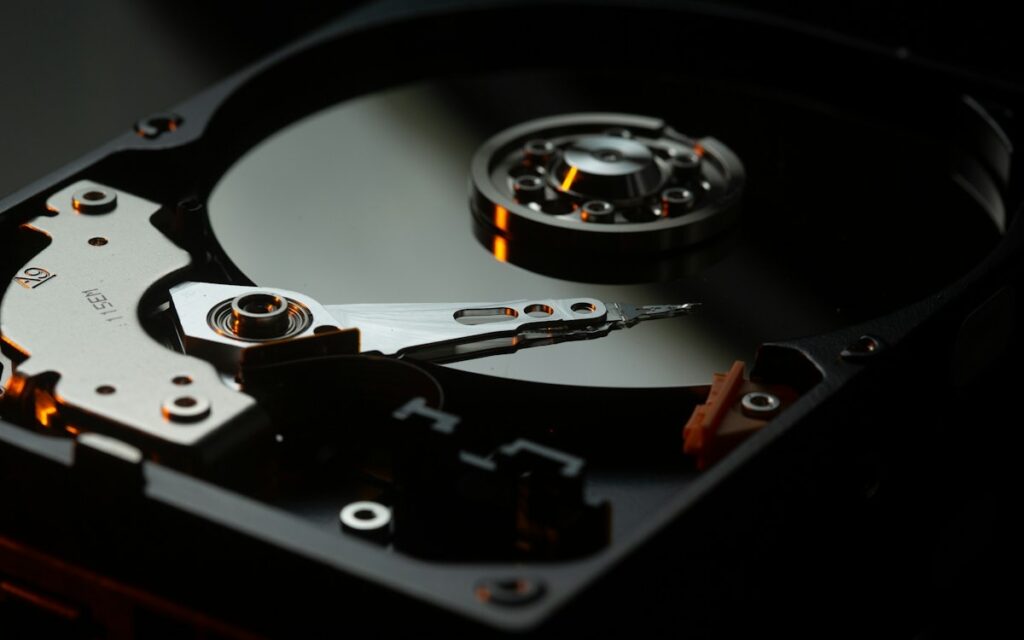
RAID is a way of combining several disks to increase speed, capacity or fault tolerance (or a mix of these). The right level depends on the type of data, how critical the service is and your budget.
The most common levels
- RAID 0: data is spread across the disks; it is fast, but if one disk fails all the data is lost. Not recommended for important data.
- RAID 1: two disks hold identical copies. Simple and reliable; a common choice for a server’s operating system.
- RAID 5: with at least three disks, it survives the failure of one disk and gives good usable capacity; but rebuilding the array on high-capacity disks takes a long time.
- RAID 6: like RAID 5, but survives two disks failing at the same time; safer for large arrays.
- RAID 10: a combination of mirroring and striping; fast writes and quick rebuilds, a good fit for databases and virtual machines.
RAID is not a backup
RAID protects a service against a disk’s hardware failure, but it does not cover accidentally deleted files, ransomware or the failure of the whole server. Always have a regular backup plan alongside RAID, ideally with an off-site copy.
When choosing a RAID controller, also look at its cache memory and its battery or cache protection module; both have a direct effect on performance and on data safety during a power cut.